
Not every AV issue needs an immediate callout.
This page gives corporate teams simple checks for common meeting room, boardroom, display, audio and video conferencing problems.
The advice is designed for non-technical users, office managers, IT teams, facilities teams and business leaders who want quick first steps before escalating an issue.
When to use this page
Use these quick wins if:
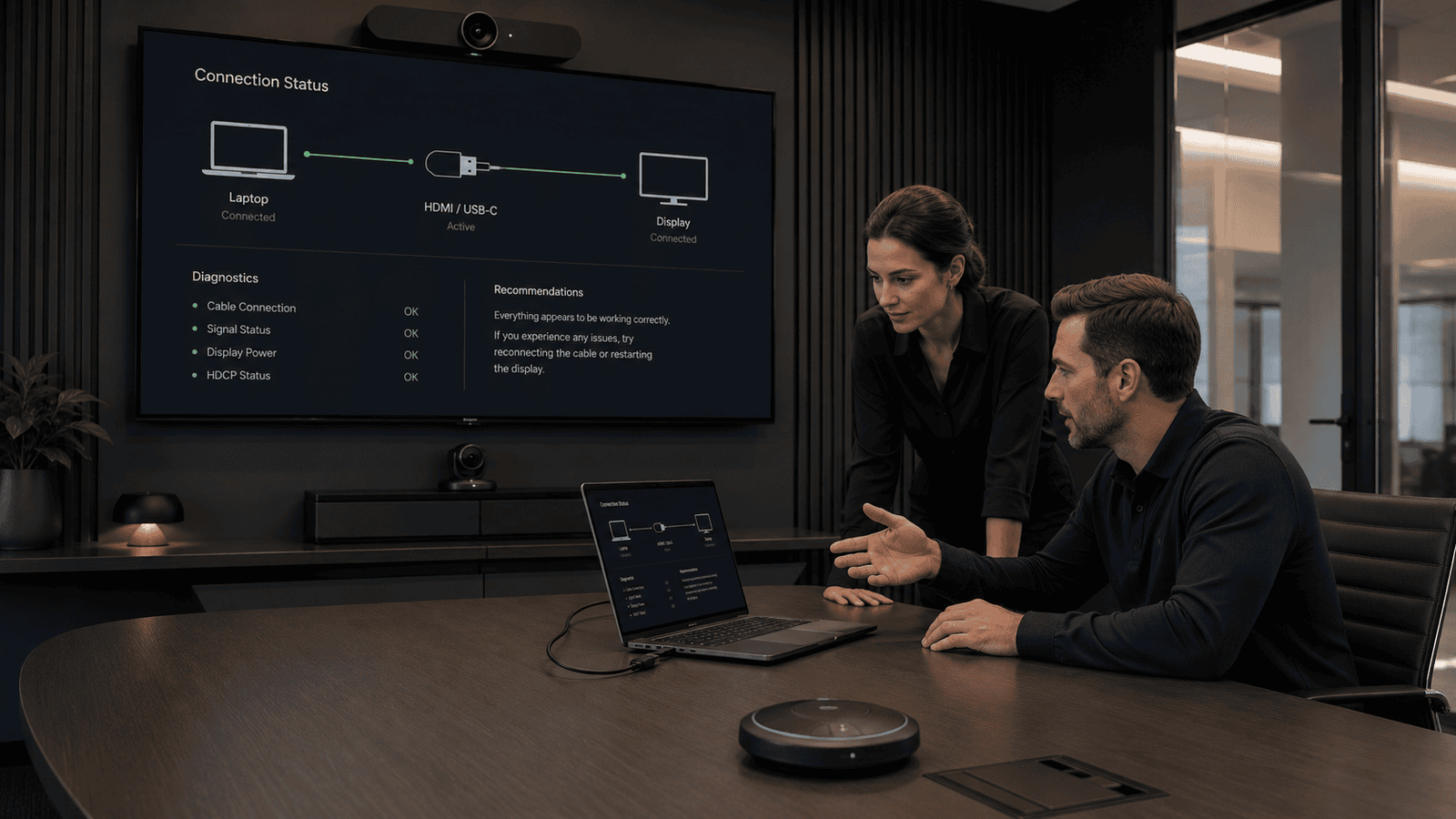
A meeting room screen is not showing a laptop
Teams or Zoom is using the wrong microphone
Audio quality is poor
Video calls keep failing
Users avoid the room technology
Displays look unclear or badly scaled
Cables and adaptors keep causing issues
AV faults keep being reported internally
If the same issue keeps happening, it may be a sign of a wider AV design, installation or support problem.
Quick win 1: Meeting room screen not showing a laptop
Check:
- The screen is on
- The correct input source is selected
- The cable is fully connected
- The adaptor is working
- The laptop display settings are set to duplicate or extend
- A different cable or laptop has been tested
If multiple laptops have the same issue, the room system may need a review.
Quick win 2: Wrong microphone or speaker in Teams or Zoom
Check the meeting software audio settings.
Teams, Zoom or Google Meet may be using the laptop microphone instead of the room system.
Before the meeting starts, check:
- Selected microphone
- Selected speaker
- Selected camera
- Room system connection
- Laptop privacy settings
If users need to change settings every time, the room may not be simple enough to use.
Quick win 3: Poor audio in meeting rooms
Poor audio is one of the most common AV complaints.
Check:
- The correct microphone is selected
- The correct speaker is selected
- Laptop audio is not fighting the room audio
- The room is not too echoey
- People are not sitting too far from microphones
- Background noise is not affecting the call
If audio issues continue, the room may need a microphone, speaker or acoustic review.
Quick win 4: Display looks unclear or text is hard to read
Check:
- Laptop resolution
- Display scaling
- Cable or adaptor quality
- Screen size compared with room size
- Viewing distanceContent type
If people struggle to read text from normal seating positions, the display may not be suitable for the space.
Quick win 5: Users avoid the meeting room system
If users regularly bypass the installed AV, there is usually a reason.
Common causes include:
- The system is too complicated
- Controls are unclear
- The room is unreliable
- Cables or adaptors are missing
- Users do not know how to start a call
- The room does not match how people actually work
This is often a sign that the room needs an AV review.
Quick win 6: Cables and adaptors keep going missing
Repeated cable and adaptor issues can cause constant disruption.
Consider:
- Fixed room cables
- Clear cable labels
- Spare adaptors in a known location
- Wireless presentation options
- Simple room instructions
- Standardised connection types across rooms
Small improvements can reduce repeated support requests.
Quick win 7: Video calls keep failing
Check whether the issue is with:
- The room AV system
- The laptop
- The meeting platform
- Network connection
- USB connection
- Camera or microphone selection
- User process
If the issue is inconsistent across rooms, an AV audit can help identify patterns.
When to escalate the issue
You should seek AV support if:
- The same problem keeps happening
- Users avoid the installed system
- Important meetings are being disrupted
- Internal teams are repeatedly troubleshooting the same rooms
- Equipment is outdated or unreliable
- No one knows exactly what is installed
- The room no longer supports how the business works
Venture AV can review the issue and recommend the most practical next step.
Useful next steps
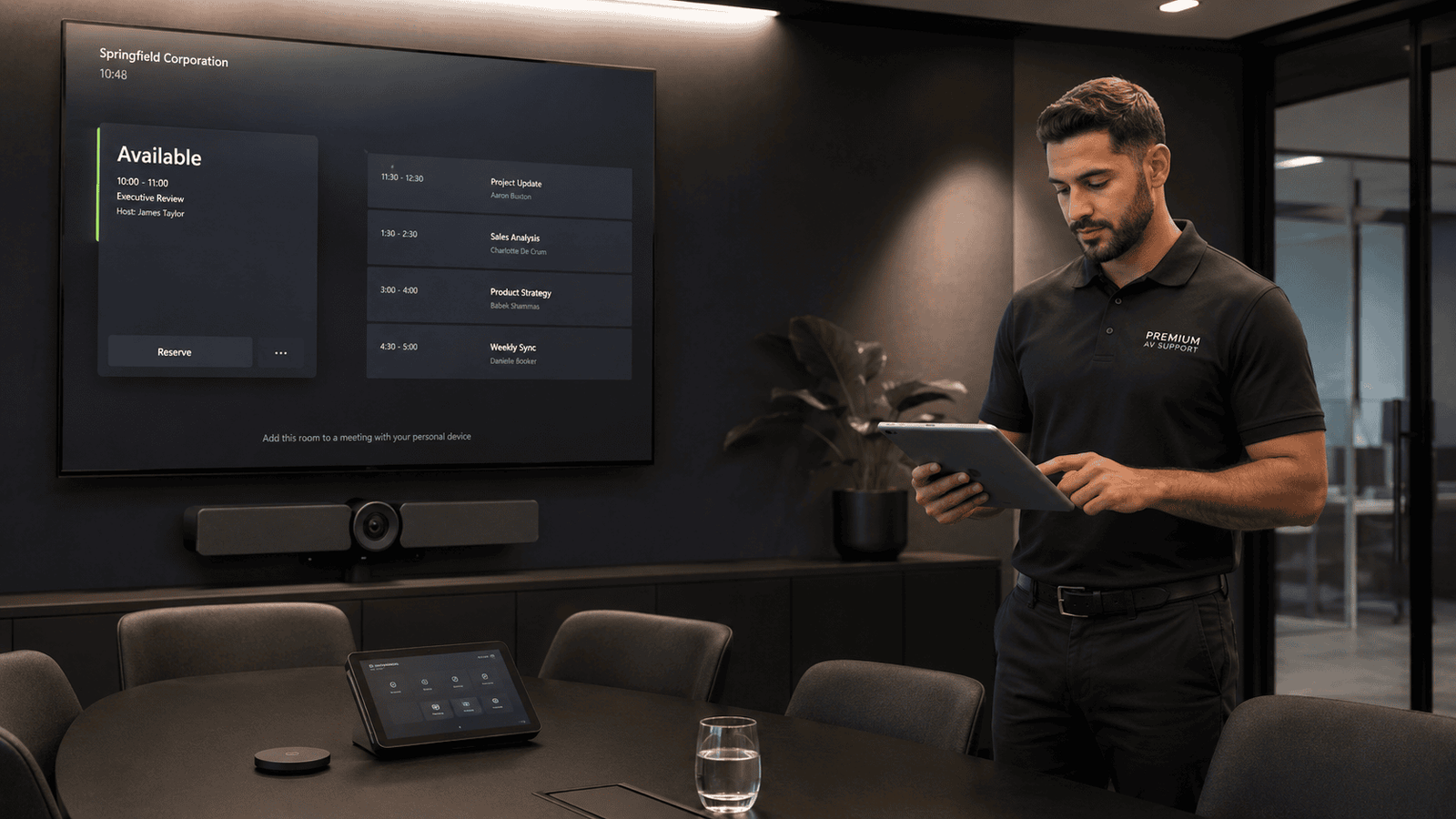
Monthly AV expertise for businesses that need regular issue review, health checks and improvement advice.
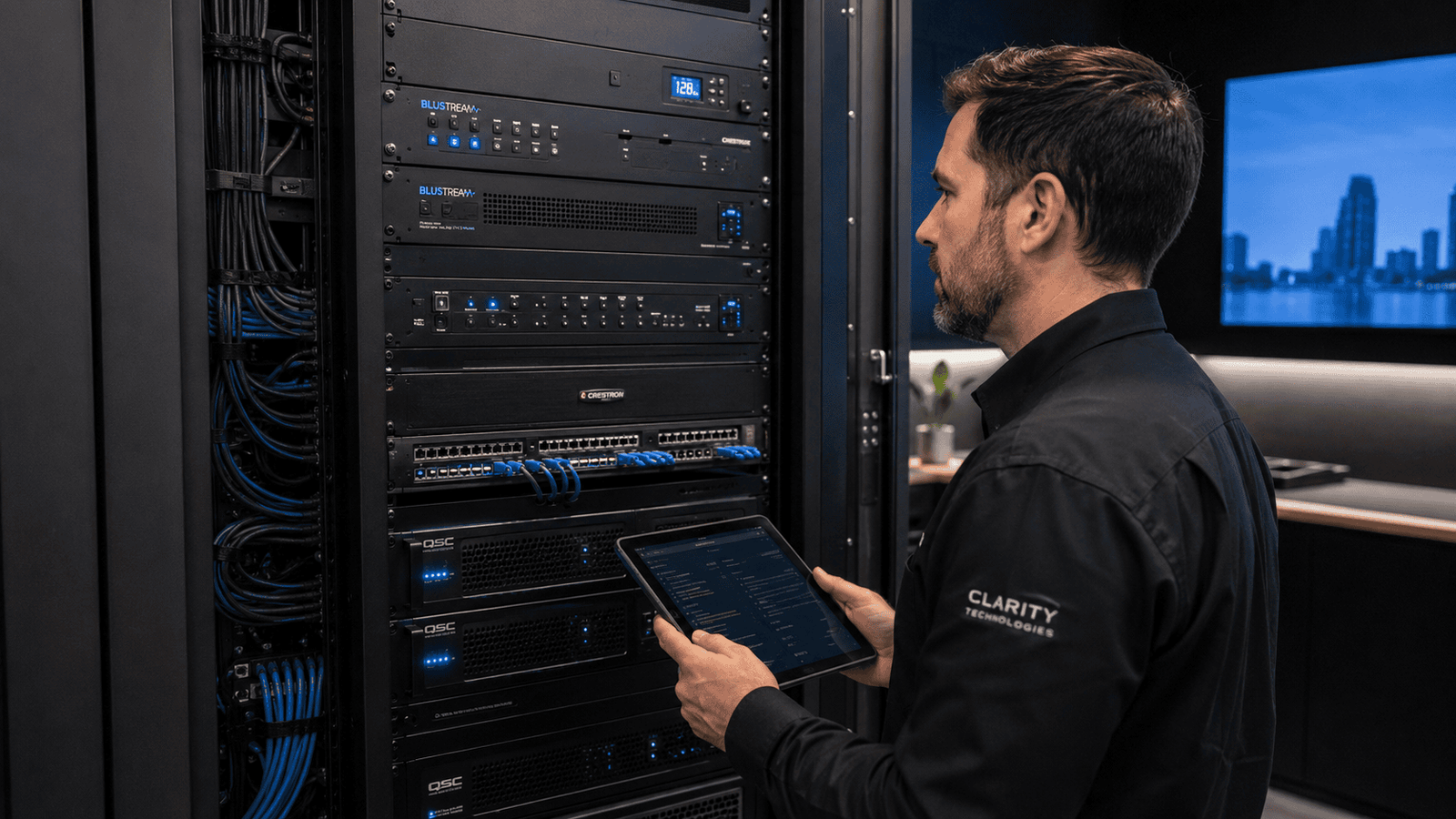
A practical review of existing rooms, systems and equipment to understand what is working, what is failing and what needs to happen next.
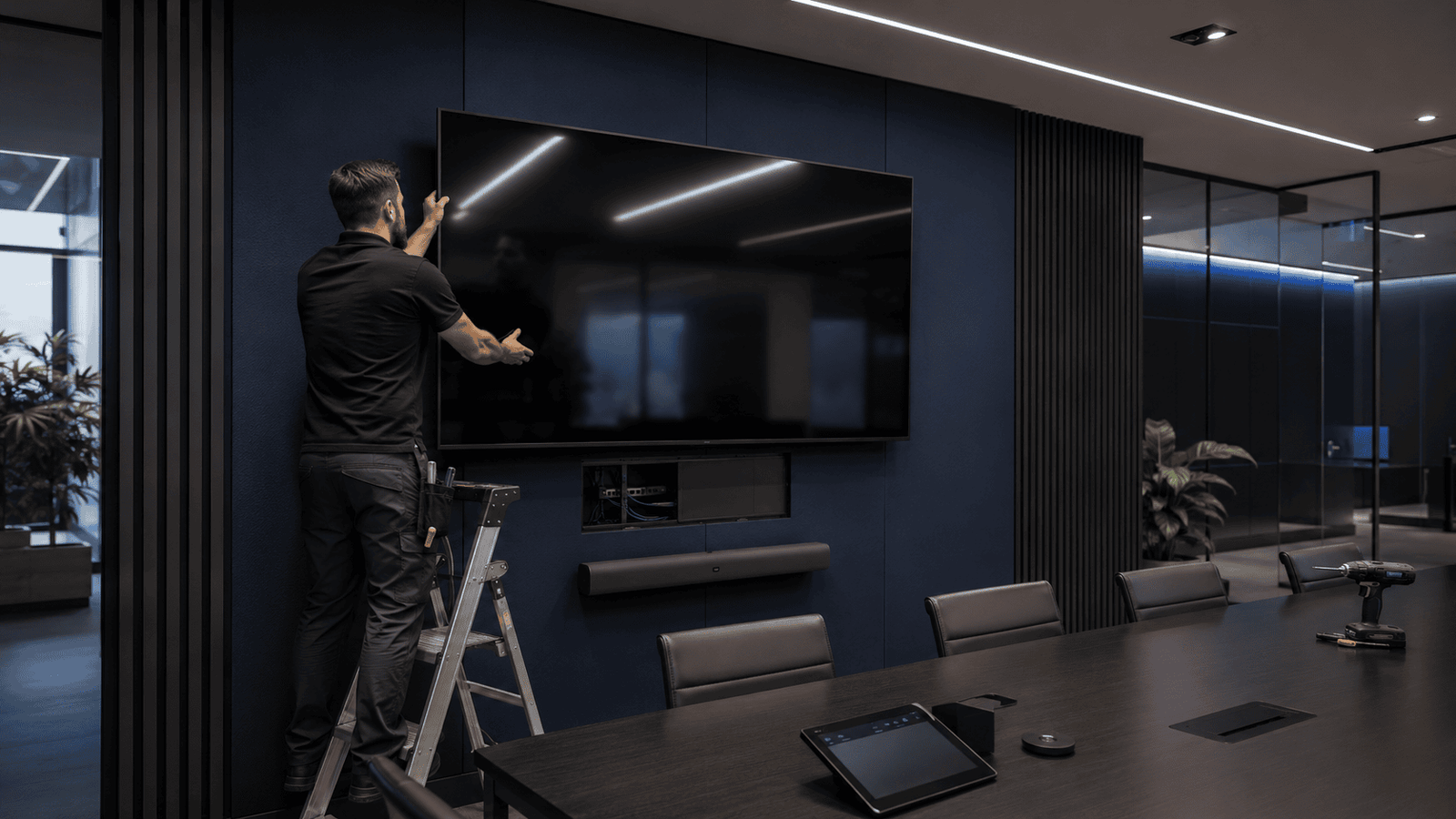
Direct installation for corporate AV systems that need to be replaced, upgraded or improved.
Need clarity on your next corporate AV project?
Whether you are planning a new installation, reviewing legacy systems, upgrading meeting rooms, installing LED or looking for ongoing AV support, Venture AV can help.